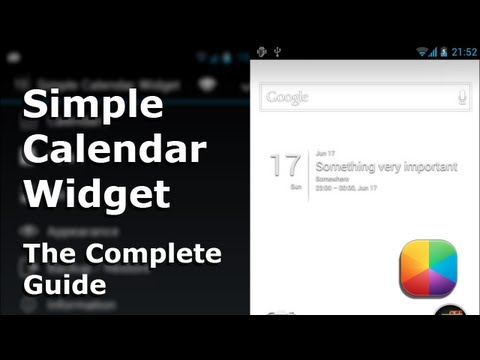
Functional on both phones and tablets, Simple Calendar is the most popular and highest rated minimal calendar widget available. It integrates with your existing calendar to show upcoming appointments directly on your homescreen. It can show the weather, sports schedules, holidays, and more.
***Latest update (2.4.8): Major ad spamming issue fixed, switched to a different ad provider. As requested by many users, we have also released a completely ad-free pro version of Simple Calendar, get it here: https://play.google.com/store/apps/details?id=com.anod.calendarpro***
Features and Configuration Options Include:
- Skins
- Font style and background customization
- Select which application opens on click
- Fonts, colors, text size
- Supports tasks using Dato and GTasks
F.A.Q
- How do I place the widget on my homescreen?
Long-press your homescreen, choose "widgets," find "Simple Calendar Widget," and drag it to the homescreen. On most Android 4.0 devices, widgets can be found under the "Widgets" tab in app drawer.
- I can't find Simple Calendar in my widget list!
Try restarting your device.
- How do I resize the widget?
Android 3.0+ supports resizing of widgets by default. For older Android versions this can be done by installing an alternate launcher.
- How do I show the weather forecast on the widget?
On your desktop Google calendar, just add weather. For instructions, search Google for "Weather forecasts in your calendar".
- How do I add holidays, birthdays, or sports schedules?
- Search Google for "Adding interesting dates to Google Calendar" and follow the instructions.
Permissions:
READ CALENDAR: Access to the calendar information
WRITE_EXTERNAL_STORAGE: Backup to SD card
2.4.8* Minor UI changes and bug fixes. New ad provider with more normal ads.2.4.6/2.4.7* Fixed Tablet Devices crash on open Settings2.4.5* Misc UI changes and bug fixes. Removed donate option. Added one banner ad at the top of each settings page (no ads on the widget).2.4.4* Fixed crash when opening settings on pre-honeycomb devices2.4.3* Fixed crash when gtasks is not available* Removed in-app donation